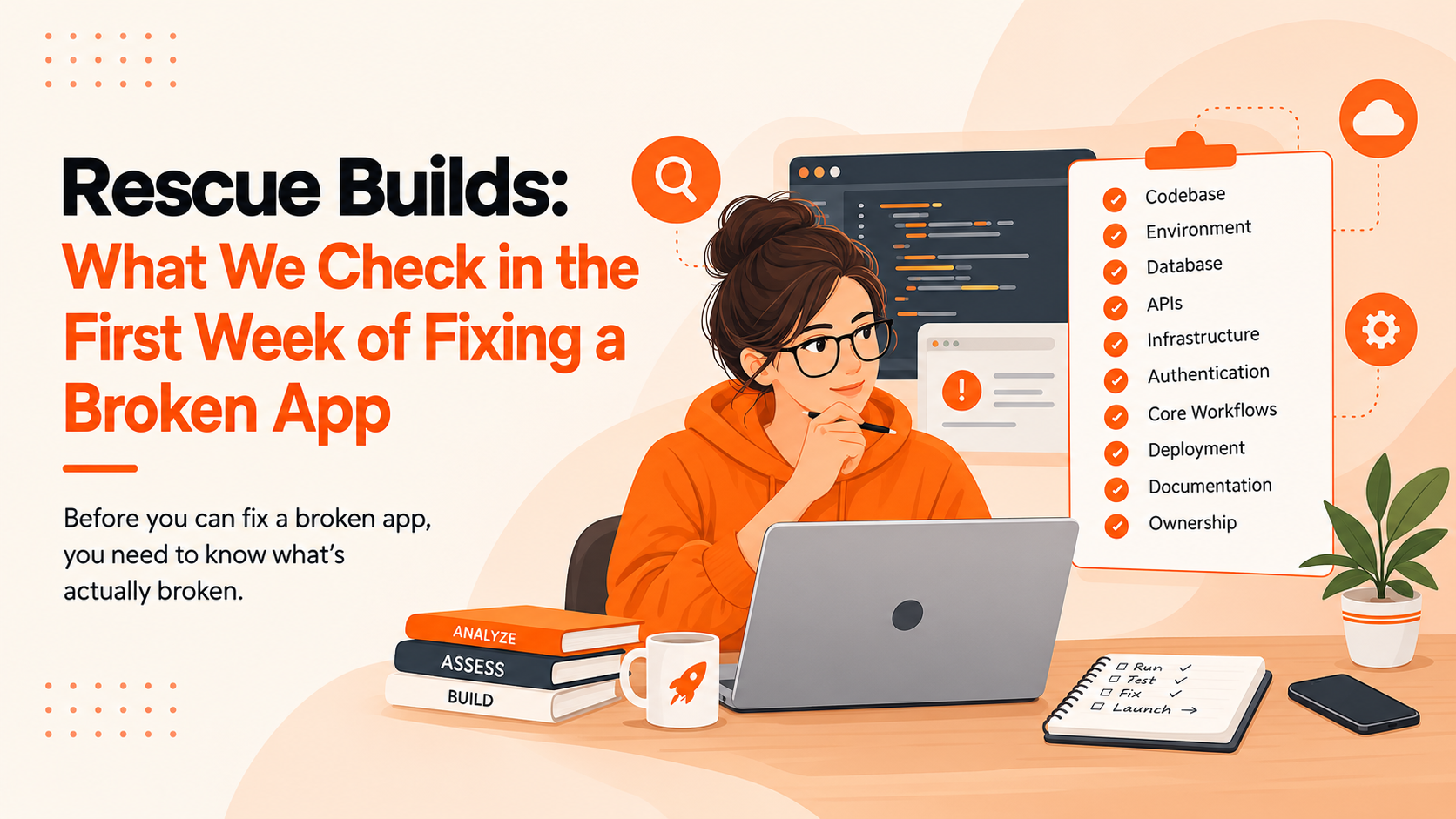
When your website or app is live and your developer suddenly stops responding, the situation can become stressful quickly. You may not know who controls the hosting, where the source code is stored, or whether someone else can safely take over the project.
The first instinct is often to find another developer and start fixing things immediately. That is usually not the best first move.
If your developer disappeared or your agency stopped responding, the first 48 hours should focus on securing access, protecting the system, documenting what you have, and understanding how the existing website or application works.
Here is a practical step-by-step plan for taking control without making the situation worse.
First 2 Hours: Confirm What You Still Control
Before changing anything, determine which parts of your digital infrastructure you can still access.
Your website is rarely controlled by a single account. A typical setup may involve:
-
Domain registrar
-
Hosting or cloud provider
-
CMS or website administrator
-
Business email
-
DNS and CDN
-
Git repository
-
Database
-
Analytics platforms
-
Payment systems
-
Third-party APIs
-
Apple App Store or Google Play accounts for mobile apps
Check Your Essential Accounts
Start by making a simple access inventory.
|
Account/System
|
Access Available?
|
Owner
|
Action Needed
|
|
Domain
|
Yes/No
|
Business/Developer
|
Recover if needed
|
|
Hosting
|
Yes/No
|
Business/Agency
|
Verify ownership
|
|
Website admin
|
Yes/No
|
Business/Developer
|
Reset credentials
|
|
Code repository
|
Yes/No
|
Business/Developer
|
Secure access
|
|
Database
|
Yes/No
|
Business/Developer
|
Confirm backup
|
This helps answer an important question: Do you actually lack access, or do you simply lack access to one part of the system?
If you still control the domain and hosting accounts, your recovery options may be better than you initially think.
Hours 2–6: Secure the Website Before Changing Anything
Once you know what you can access, secure the most important accounts.
Do not immediately start changing code, installing plugins, or rebuilding pages. First protect the infrastructure that keeps the website or application running.
Secure Critical Accounts
Prioritize securing critical credentials and enabling MFA. Before rotating production credentials, identify which applications, integrations, deployments, and services depend on them.
Prioritize:
Use strong, unique passwords and enable two-factor authentication wherever possible.
You should also review who has administrative privileges and remove unnecessary access carefully. The OWASP Developer Guide's access-control guidance recommends limiting access according to what each user actually needs.
Remove Former Developer Access Carefully
Review who currently has access to your systems, including:
-
CMS administrators
-
Hosting team members
-
Git collaborators
-
SSH or SFTP users
-
Cloud accounts
-
API credentials
-
Deployment tools
-
Password managers
Do not delete an account simply because you do not recognize it. First determine what it controls and whether removing it could affect production.
Create a Backup
If you still have access to the hosting environment, database, or other critical systems, make sure a recent backup exists before major changes are made.
Also check whether old backups or forgotten files are publicly accessible. OWASP notes that old or unreferenced backup files can sometimes expose source code, credentials, or other sensitive information.
Security should come before redevelopment.
Hours 6–12: Find Out What Is Actually Running
Once access is secure, the next step is understanding the existing system.
A new developer cannot safely take over website maintenance without knowing what technology the website uses and how it is deployed.
Identify the Technology Stack
Find out whether the website uses:
You do not need to understand the technical details yourself. The goal is to collect enough information for a qualified developer to assess the system.
Check the Current Website or App
Look for obvious problems such as:
Document what you find with screenshots and notes. This gives the new technical team a clear starting point.
Check Recent Changes
If you can access the repository, hosting panel, or deployment system, check:
A recent change may explain why the previous developer stopped responding or why the website started experiencing problems.
Hours 12–24: Build a Developer Handover File
One of the biggest problems when changing developers is the lack of documentation.
Your new developer should not have to spend days discovering basic information that could have been collected in one place.
Collect the Technical Assets
Try to locate:
-
Source code
-
Git repository
-
Database
-
Website backups
-
Environment variables
-
Hosting information
-
Domain and DNS details
-
Deployment instructions
-
API documentation
-
Design files
-
Third-party integrations
-
Analytics accounts
-
SSL information
Do not place sensitive passwords in an ordinary document. Store credentials securely using an appropriate password-management system.
Document What You Know
Create a basic handover document containing:
-
What the website or app does
-
Where it is hosted
-
Which accounts the business controls
-
Known technical problems
-
Recent changes
-
Current maintenance arrangements
-
Backup information
-
Important third-party services
Even incomplete documentation is better than relying on memory.
Don't Guess Missing Credentials
If an account is controlled by the former developer, do not attempt to bypass security controls.
Instead, use the provider's legitimate account-recovery process and establish ownership through the business's records, domain information, invoices, contracts, or other appropriate documentation.
This is particularly important when figuring out how to get access to a website after a developer stops responding.
Hours 24–36: Decide What the System Needs
Once you understand the current system, decide whether it needs routine maintenance, urgent repair, or larger redevelopment.
Maintenance When the System Is Stable
Ongoing website maintenance may be enough when:
-
The website is working properly
-
The codebase is understandable
-
Hosting and infrastructure are accessible
-
Backups are available
-
Problems are relatively minor
-
The existing technology still fits the business
The priority here is to establish reliable support and prevent another interruption.
Emergency Repair When Critical Functions Are Broken
Emergency website support may be necessary if:
-
The website is down
-
Customers cannot submit forms
-
Payments are failing
-
The database is producing errors
-
The website has a serious security problem
-
Important pages have stopped working
The immediate objective should be restoring stable operation, not redesigning the entire website.
Redesign or Rebuild When Problems Are Structural
A larger redevelopment may make sense when:
-
The technology is severely outdated
-
The code is difficult to maintain
-
The architecture has major limitations
-
Performance problems are structural
-
The user experience is poor
-
The platform cannot support new business requirements
If the problem is primarily the website's structure or user experience, a website redesign may be more appropriate than repeatedly patching the same problems.
Hours 36–48: Bring in a New Maintenance Team
Once the immediate risks are under control, it is time to find someone who can take over the system.
Do not choose a replacement based only on how quickly they promise to fix everything.
Ask These Questions Before Giving Access
Before hiring a new website maintenance company or developer, ask:
-
Can you audit the existing system first?
-
Can you work with the current technology stack?
-
What access will you need?
-
How will you handle backups?
-
How will you document the system?
-
How will emergency issues be handled?
-
Who will own the code and accounts after the handover?
-
What does ongoing support include?
A good technical partner should be able to explain the takeover process clearly.
Start With an Audit, Not a Rewrite
A new team should first assess:
-
Infrastructure
-
Codebase
-
Security
-
Performance
-
Dependencies
-
Database
-
Backups
-
Integrations
-
Deployment process
-
Monitoring
This helps prevent unnecessary redevelopment before you understand what you already have.
What If Your Developer Disappeared With the Code?
If your developer has the only apparent copy of the source code, do not immediately assume the entire project is lost.
Check whether authorized copies exist in:
Also check contracts, invoices, project documentation, and account ownership records.
The goal is to determine what the business actually owns and which parts of the system can still be recovered.
If the code or infrastructure cannot be recovered, a technical assessment can determine whether the existing system can be restored or whether redevelopment is necessary.
When a Website Handover Becomes an Application Maintenance Problem
Mobile applications require additional takeover information that does not always exist in a standard website project.
For an app, you may need access to:
Losing access to one of these systems can prevent a new developer from publishing updates or maintaining the application properly.
In some cases, the handover may also reveal that the existing app needs more than ongoing maintenance. If the codebase is outdated, key components are missing, or the application requires substantial redevelopment to remain reliable, mobile app development services may be a more appropriate next step than continuing to patch the existing system.
48-Hour Developer Disappearance Checklist
Use this checklist if you need to take over website maintenance quickly.
First 2 Hours
-
☐ Confirm the website or app is operational
-
☐ Identify account owners
-
☐ Check domain access
-
☐ Check hosting access
-
☐ Check domain ownership/registrant information
-
☐ Secure critical accounts
-
☐ Enable two-factor authentication
By 12 Hours
-
☐ Locate source code
-
☐ Locate backups
-
☐ Check the database
-
☐ Identify the technology stack
-
☐ Review recent deployments
-
☐ Document current problems
By 24 Hours
-
☐ Review security
-
☐ Check third-party integrations
-
☐ Confirm ownership of critical accounts
-
☐ Create a developer handover document
-
☐ Verify backup availability
By 48 Hours
-
☐ Complete a technical assessment
-
☐ Decide between maintenance, repair, or rebuild
-
☐ Select a new technical partner
-
☐ Establish a backup process
-
☐ Establish monitoring and support procedures
When You Need More Than Maintenance
Sometimes an assessment reveals that the existing system is no longer suitable for the business.
The technology may be outdated, integrations may be difficult to maintain, or new requirements may no longer fit the original architecture.
In that situation, repeatedly fixing individual problems may cost more over time than rebuilding the affected parts properly. If a larger technical rebuild is necessary, custom software development may be a better path than continuing to patch an unsuitable system.
The key is to make that decision after an assessment, not simply because the original developer is no longer available.
Stay in Control After the Handover
You cannot control whether an individual developer responds to a message, but you can prevent one person from becoming the single point of failure for your business.
Keep these practices in place:
-
Keep domain and hosting accounts under business ownership.
-
Use company-controlled email addresses for important accounts.
-
Keep repository ownership with the business.
-
Maintain independent backups.
-
Keep an updated access inventory.
-
Document the technology stack.
-
Record important third-party integrations.
-
Require proper developer handover documentation.
-
Maintain a support or maintenance agreement.
-
Monitor website uptime and critical services.
-
Make sure more than one trusted person understands the infrastructure.
The goal is simple: your business should remain in control even when your developer changes.
Frequently Asked Questions
1. What should I do when my developer disappears?
Start by securing the accounts and systems you control. Check your domain, hosting, website administrator, source code, database, backups, and third-party services. Avoid making major changes until you understand how the existing system is set up.
2. How do I get access to my website after my developer stops responding?
First, identify which accounts are owned by your business and which are controlled by the developer. For accounts you cannot access, use the provider's official account-recovery process and provide proof of ownership where required. Check your contracts, invoices, domain records, hosting details, and previous project documentation as part of the recovery process.
3. What access do I need when changing website developers?
At minimum, you should identify access to the domain registrar, hosting account, CMS, source-code repository, database, DNS, business email, analytics, payment services, APIs, and other third-party integrations. The exact requirements depend on how the website is built and deployed.
4. Can a new developer take over a website without the original developer?
Yes, in many cases. A new developer can assess the available code, hosting environment, database, backups, documentation, and account ownership before deciding what can be maintained or recovered. If critical components are missing, the team can determine whether they can be recovered or need to be rebuilt.
5. Should I rebuild my website if my developer disappears?
Not necessarily. If the existing website is stable, accessible, and maintainable, taking over its maintenance may be more practical than rebuilding it. A rebuild becomes more reasonable when the technology is outdated, the codebase is difficult to maintain, important components are missing, or the existing architecture cannot support the business's requirements.
6. How can I prevent problems during a developer handover?
Keep important accounts under business ownership, maintain independent backups, document the technology stack and integrations, keep repository access under company control, and maintain an up-to-date access inventory. A documented handover process also makes it easier for another developer or website maintenance company to take over safely.
Need Help Taking Over an Existing Website or App?
If your developer has stopped responding, you do not necessarily need to rebuild everything from scratch. A technical assessment can help you understand what you still have, what you can recover, and what needs immediate attention.
Multisyn can help assess the existing setup, secure the transition, resolve critical issues, and provide ongoing maintenance and support once the handover is complete.
Need help taking control of an existing website or application? Contact Multisyn to discuss the next step.



 Overview.webp)