Taking over an existing or broken app is rarely as simple as opening the codebase and fixing the first bug you find. An app rescue assessment helps determine whether the existing codebase can be stabilized, needs refactoring, or requires a larger rebuild.
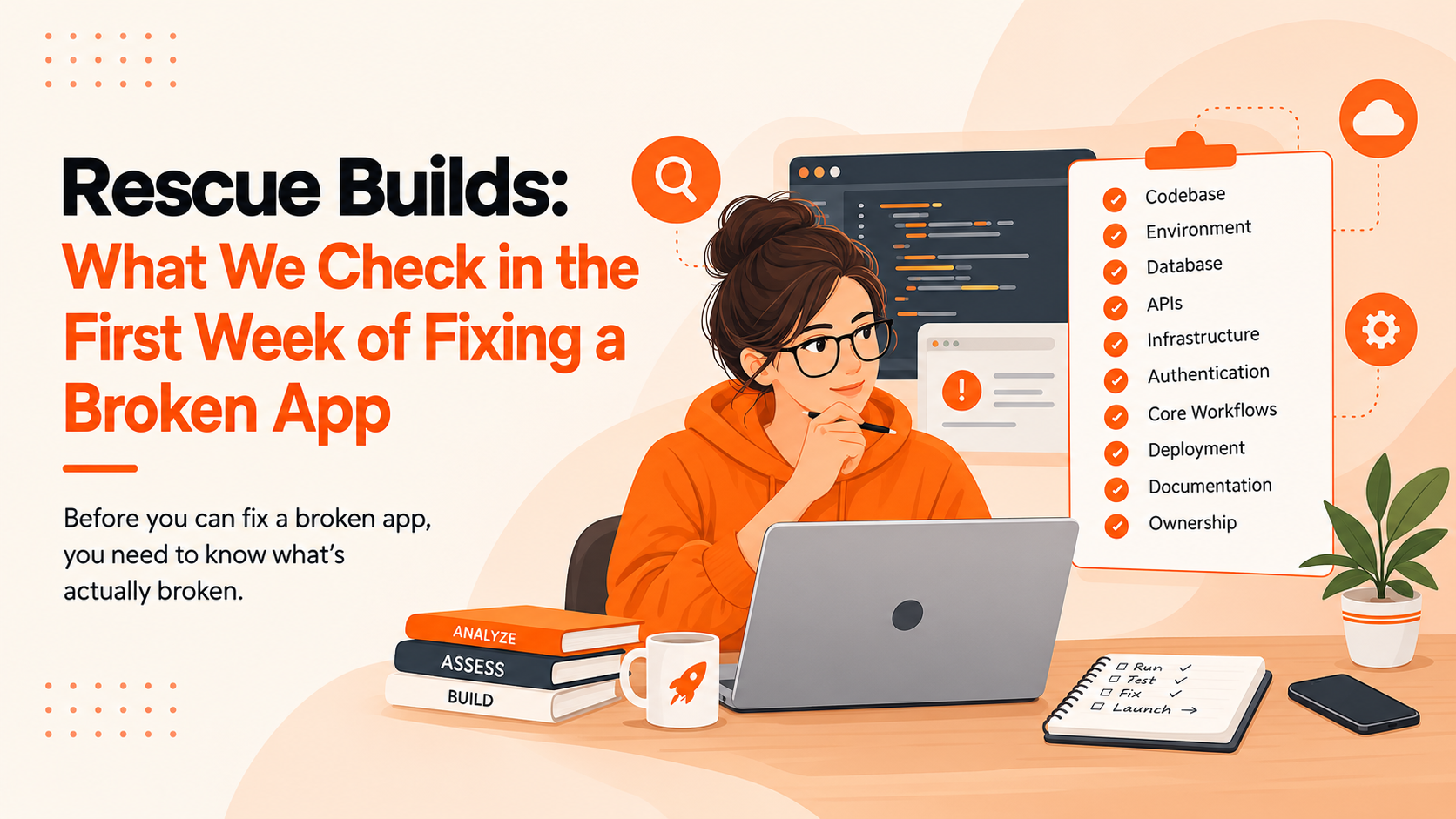
An app rescue starts with understanding what is actually broken, what is putting the product at risk, and what needs attention first. In this article, we'll look at what teams typically check during the first week of an app rescue, from the codebase and architecture to infrastructure, technical debt, and user-facing problems.
What Is an App Rescue?
An app rescue is the process of taking over an existing or struggling application and bringing it back to a stable, maintainable state. The work can involve diagnosing bugs, improving performance, addressing technical debt, fixing integrations, or making targeted architectural changes.
Startups may need app rescue when:
-
An existing development team leaves the project
-
Bugs keep appearing after every release
-
Performance has become unreliable
-
New features take too long to build
-
The original codebase is poorly documented
-
Third-party integrations keep failing
-
The app is difficult to deploy or maintain
The goal isn't automatically to rebuild everything. The priority is understanding the existing system before deciding what should change.
Day 1: Understand the App Before Changing Anything
The first day of an app rescue starts with investigation.
We look at how the application works from both the user's and developer's perspective. That means running the app, following its main workflows, reviewing the repository, and understanding how the major components connect.
We typically check:
-
Core user journeys
-
Current app version
-
Existing documentation
-
Repository structure
-
Development and production environments
-
Build and deployment process
-
Known bugs and reported issues
-
External services and integrations
This gives the team a baseline before any code is changed.
For example, if a checkout issue appears to be caused by the payment screen, we don't immediately rewrite that screen. We first check how it connects to authentication, APIs, order creation, and the database. A quick fix in one area can create another problem somewhere else if those dependencies aren't understood.
Days 2–3: Run an App Code Audit
Once the application is understood at a high level, the next step is an app code audit.
The purpose isn't to criticize every coding decision. It is to identify the parts of the codebase that could make future fixes, releases, or feature development risky.
An app code audit checklist may include:
-
Code organization and structure
-
Dependency versions
-
Repeated or unnecessary code
-
Error handling
-
Authentication and permissions
-
API communication
-
Database interactions
-
Configuration management
-
Security concerns
-
Build and deployment configuration
For security-related checks, teams can also use the OWASP Web Security Testing Guide as a reference for web application security testing.
We also look for areas where a small change could have unexpected effects elsewhere in the application.
For instance, if changing one checkout component unexpectedly affects authentication or order creation, that dependency needs to be understood before making a larger change.
The result should be a practical list of issues, not a report filled with technical terminology that doesn't help the product team decide what to do next.
Find the Technical Debt Holding the App Back
Most app rescue projects contain some level of technical debt.
Technical debt can come from rushed development, temporary workarounds, outdated libraries, missing tests, or architectural decisions that no longer fit the product.
Common examples include:
-
Outdated frameworks or dependencies
-
Hard-coded business logic
-
Duplicated functionality
-
Fragile integrations
-
Missing automated tests
-
Poorly documented processes
-
Workarounds that became permanent
Not every piece of technical debt needs to be fixed immediately.
The important question is: Which technical debt is actively slowing development or increasing the risk of failure?
That distinction helps prevent the rescue project from becoming an unnecessary rewrite.
Check the App Architecture and Data Flow
A codebase can look acceptable on the surface while having deeper architectural problems.
An app architecture review helps us understand how information moves through the application and where failures may occur.
We examine:
When reviewing web applications, the MDN Web APIs reference can also help teams verify how browser-side APIs and interfaces are expected to work.
For example, if a single API failure causes several unrelated parts of an app to stop working, that dependency becomes an important rescue priority.
The objective is not to introduce a complex new architecture. It is to understand whether the current architecture can support the product's immediate needs.
Test the Problems Users Are Actually Experiencing
An app rescue shouldn't be driven only by what developers find in the code.
We also reproduce the problems users are experiencing.
That can include:
Logs, crash reports, analytics, and support tickets can provide additional context.
For web applications, Google's Core Web Vitals can provide additional insight into loading performance, responsiveness, and visual stability.
This helps separate technical problems from user-facing problems. A piece of messy code may not require immediate attention if it has no practical impact, while a small-looking issue that prevents users from completing a key workflow may deserve immediate attention.
Review the App's Infrastructure and Third-Party Services
Sometimes the code isn't the main problem.
The application may depend on several external services, and a failure in one of them can affect the entire product.
During the first week, we check:
-
Hosting environment
-
Deployment pipeline
-
Cloud configuration
-
API keys and environment variables
-
Payment providers
-
Authentication providers
-
Analytics tools
-
Email and notification services
-
External APIs
-
Database and storage configuration
We also verify whether the team has the access needed to maintain these systems.
An application can have clean code and still be difficult to operate if its infrastructure is poorly configured or undocumented.
Create an App Rescue Plan for the First Week
By the end of the first week, the team should have enough information to create a clear app rescue plan.
Issues are normally grouped into categories such as:
Critical fixes
-
Security problems
-
Production crashes
-
Broken core workflows
-
Data integrity issues
High-priority improvements
Longer-term work
This prevents every issue from being treated as equally urgent.
A good app rescue process creates a sequence of work that reduces risk without stopping the product from moving forward.
What Not to Do When Rescuing a Broken App
App rescue projects can go wrong when teams try to solve everything at once.
Avoid these common mistakes:
-
Rewriting the entire application immediately
-
Adding new features before fixing critical issues
-
Replacing technology without understanding the existing system
-
Ignoring technical debt
-
Making undocumented changes
-
Skipping regression testing
-
Treating every code-quality issue as an emergency
A controlled rescue keeps the team focused on the problems that actually affect the product.
The goal is to make the application stable first, then improve it based on evidence.
When Should You Modernize Instead of Just Fixing the App?
Not every application can be saved through small fixes.
App modernization may become necessary when the existing technology creates ongoing limitations.
Signs can include:
-
The framework is no longer reasonably maintainable
-
Core dependencies are unsupported
-
The architecture prevents required product changes
-
Performance problems are built into the current design
-
Security updates are difficult to implement
-
The cost of maintaining the old system keeps increasing
There are usually three possible directions: fix, refactor, or rebuild.
|
Approach
|
When it makes sense
|
|
Fix
|
The core architecture is workable, but specific issues are causing problems
|
|
Refactor
|
The product works, but technical debt is slowing development
|
|
Rebuild
|
The existing architecture or technology prevents sustainable development
|
If rebuilding or modernizing the application becomes necessary, the development approach should match the product's current needs rather than simply replacing the old technology. For mobile products, this may involve rebuilding outdated functionality or developing new mobile experiences using a more maintainable architecture.
Mobile app development services can support new or rebuilt mobile functionality when a broader redevelopment is required.
If rebuilding becomes necessary, a structured MVP development approach can help define essential product requirements before development begins. However, rebuilding should be considered based on the application's actual condition rather than treated as the default solution.
The right approach depends on the application's condition, business requirements, timeline, and technical constraints.
What a Successful First Week Should Deliver
The first week doesn't need to produce a completely repaired application.
It should produce clarity.
By the end of the initial investigation, the team should understand:
-
What is currently working
-
What is broken
-
Which problems affect users most
-
Where the major technical risks are
-
How the architecture is structured
-
What technical debt needs attention
-
Which fixes should happen first
-
Whether the app needs fixing, refactoring, or modernization
That information turns an uncertain rescue project into a manageable plan.
What Comes After the First Week?
Fixing a broken app starts with understanding it.
A thorough first week can reveal hidden dependencies, technical debt, architecture problems, infrastructure issues, and user-facing bugs before they become larger obstacles.
The objective of an app rescue isn't to change everything. It's to identify what matters, stabilize the product, and create a clear path forward.
Once the team knows what it is dealing with, development can move from emergency fixes toward a more reliable and maintainable application.
Frequently Asked Questions About App Rescue
What is app rescue?
App rescue is the process of assessing and stabilizing an existing application that has recurring bugs, performance problems, technical debt, deployment issues, or other development challenges.
When should you rescue an existing app instead of rebuilding it?
An existing app can often be rescued when its core architecture is still workable and the main problems can be addressed through targeted fixes, refactoring, dependency updates, or improvements to infrastructure and testing.
What does an app rescue assessment include?
An assessment can include reviewing the codebase, architecture, dependencies, integrations, infrastructure, deployment process, security concerns, technical debt, logs, and user-facing problems.
Can you fix an app built by another development team?
Yes. A new team can assess an existing codebase, understand its architecture and dependencies, reproduce reported issues, and create a prioritized plan without automatically replacing the entire application.
How do you know whether an app needs fixing, refactoring, or rebuilding?
The decision depends on the condition of the codebase, architecture, dependencies, technical debt, business requirements, and the cost or risk of continued maintenance. An initial assessment helps determine which approach is appropriate.
Need a Clearer Path for Your Existing App?
If your app is dealing with recurring bugs, technical debt, performance issues, or an unstable codebase, the first step is understanding what needs to be fixed—and what doesn't.
Talk to our team about your existing app and find the right next step.



 Overview.webp)